Transform Any Webpage Into Your Canvas
Draw, annotate, and capture professional screenshots on any website. Perfect for designers, developers, educators, and content creators.
Add to Chrome - It's FreeExplore the powerful features that make webpage annotation effortless
Everything you need to annotate, markup, and capture any webpage
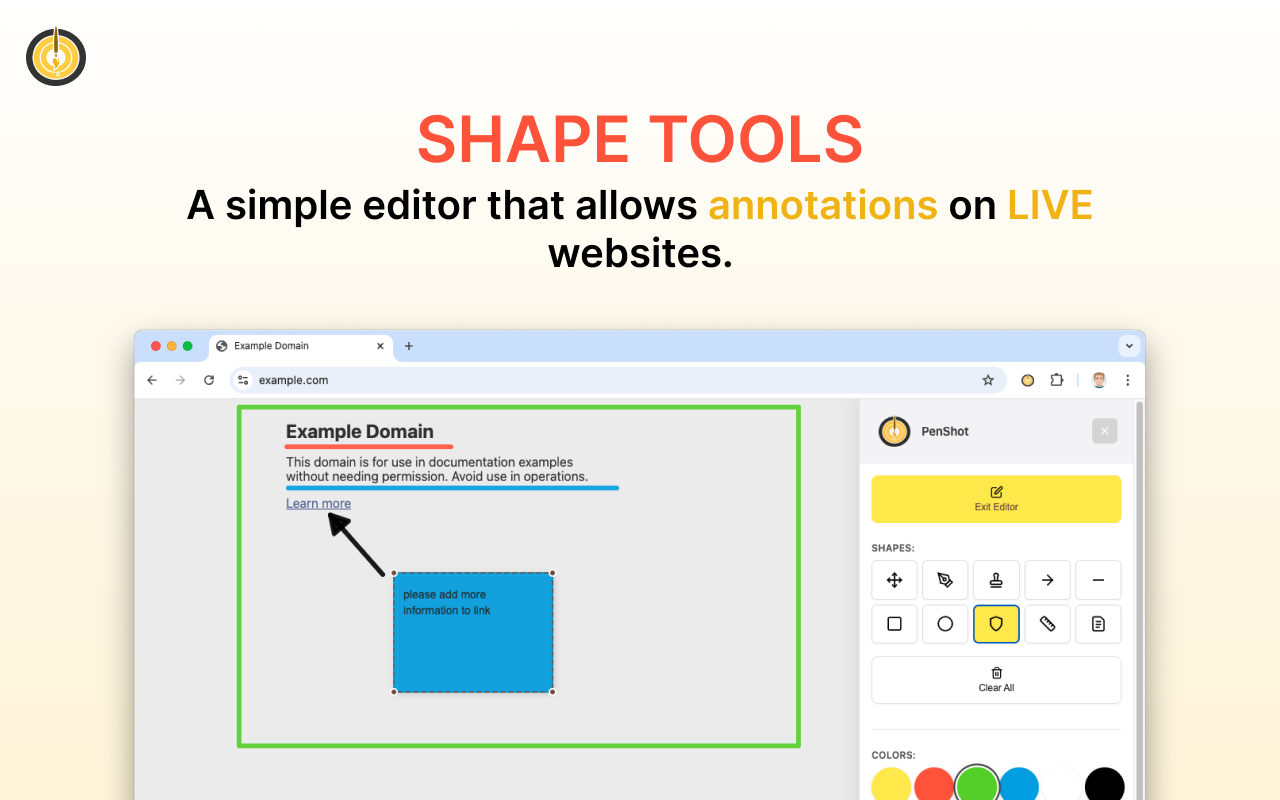
Pen, arrows, shapes, text, blur, ruler, quick notes, and more. Complete toolkit for any annotation need.
Capture viewport, full scrollable pages, or copy to clipboard. Includes all your drawings automatically.
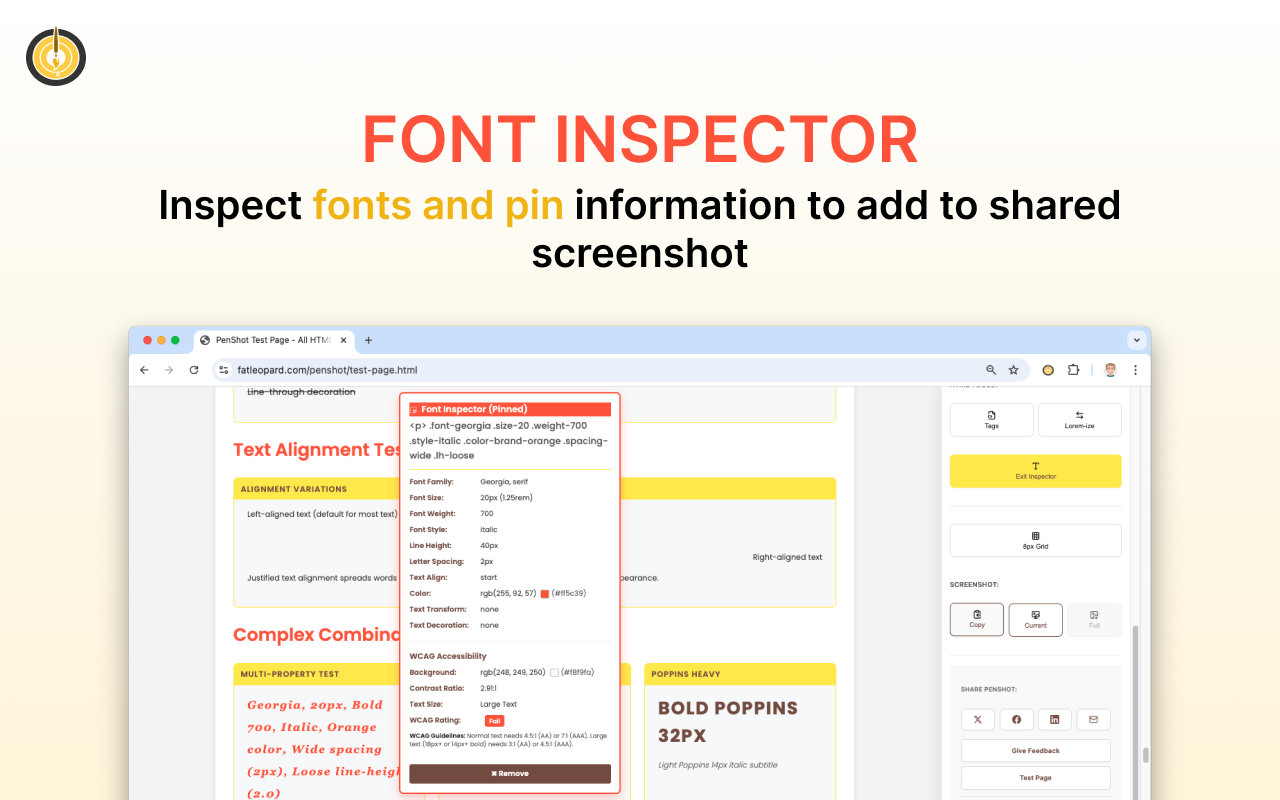
Inspect typography and check WCAG accessibility compliance with automatic contrast analysis.
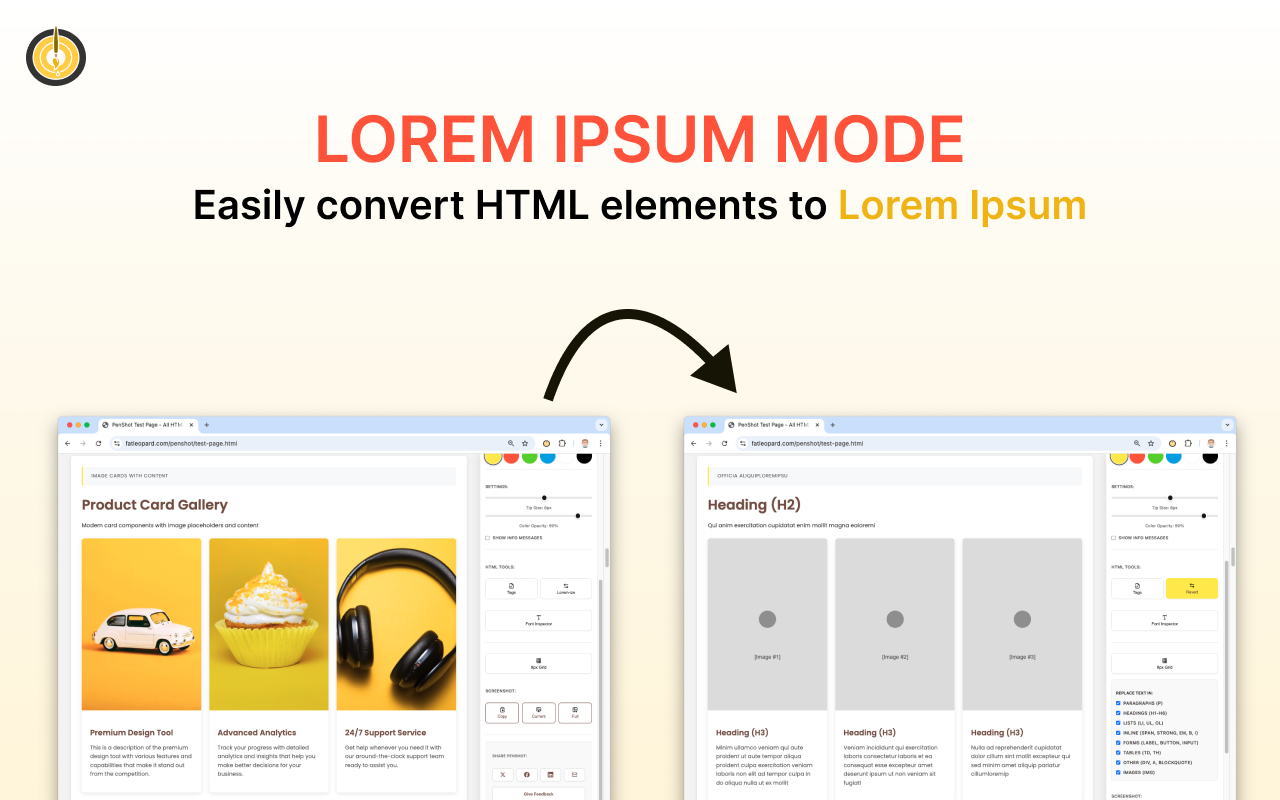
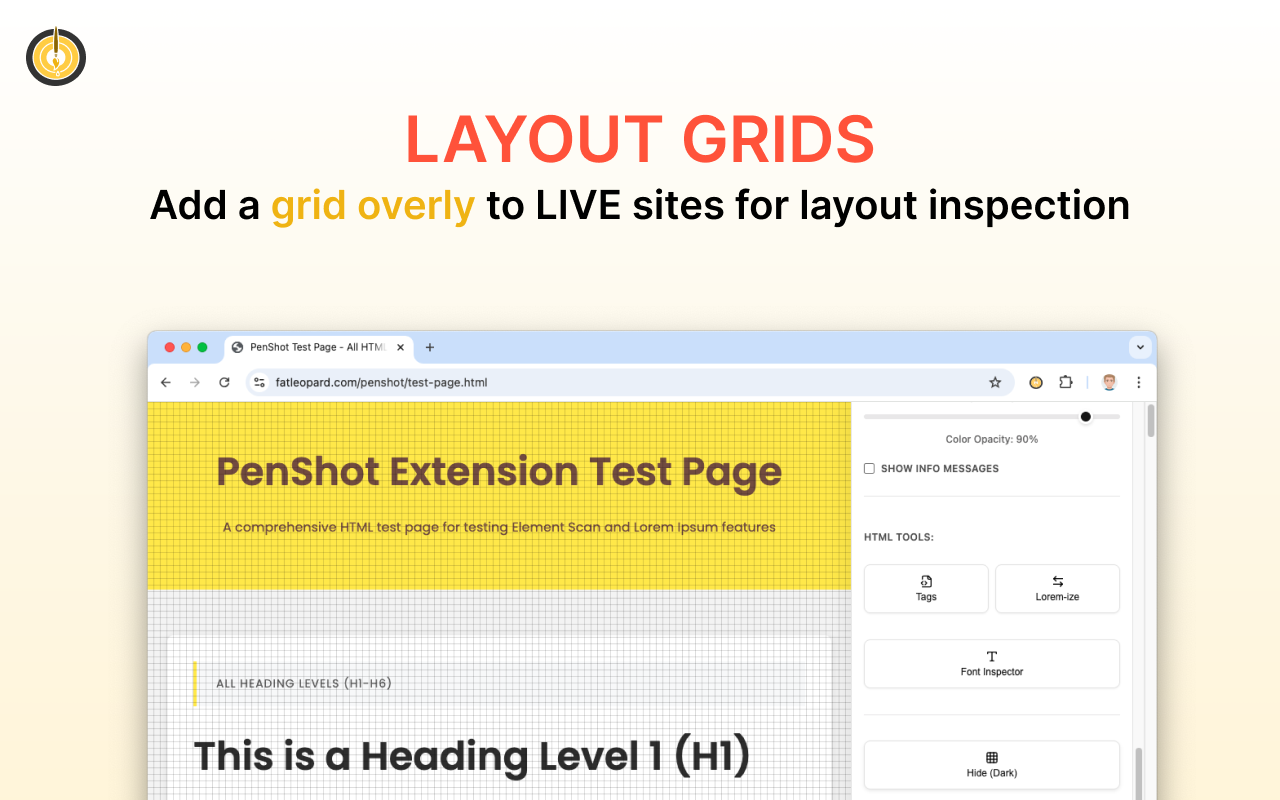
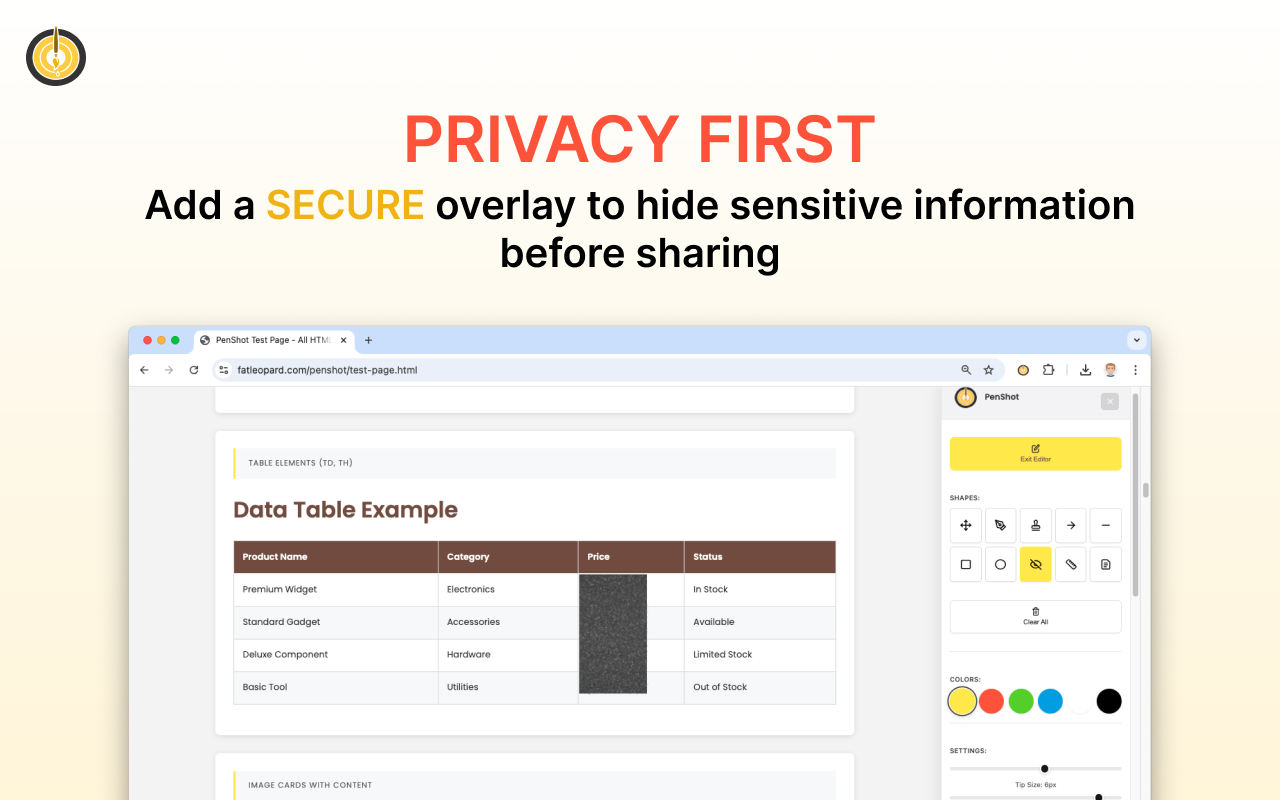
Replace page content with placeholders instantly. Perfect for mockups, wireframes, and privacy.
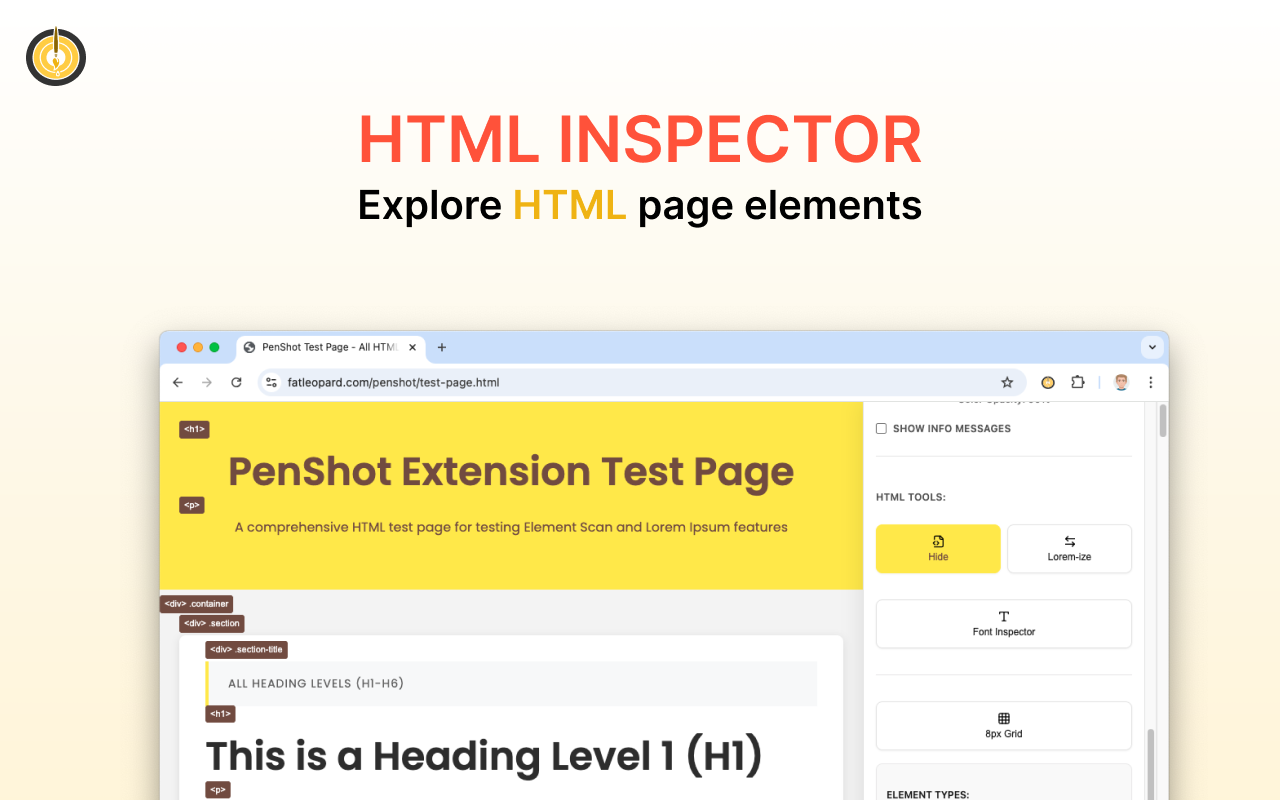
Identify and label HTML elements with smart filters. Great for developers and designers.
No data collection, no tracking, no sign-up. Everything happens locally in your browser.
Every tool you need for professional annotations
Powerful enough for professionals, simple enough for anyone
Three simple steps to start annotating any webpage
Add the free Chrome extension in one click. No sign-up or account required.
Click the PenShot icon and activate Editor Mode on any webpage you want to annotate.
Use any of the 10 drawing tools to annotate, then capture beautiful screenshots with one click.
Start annotating and capturing professional screenshots in seconds
Get PenShot for Free